8,000+ active installations · WordPress 5.0 and later

The consent management platform (CMP) for WordPress

Page banner for WordPress Mobile page banner for WordPress

DEFINITION

What Is a CMP for WordPress?

A CMP, or Consent Management Platform, is a tool that asks visitors for their consent before a cookie or third-party script is triggered, and then stores a record of that choice. On WordPress, this takes the form of a plugin. 

iconespotlight_cookie_scan

1. It takes inventory

The scanner thoroughly examines your site and lists the cookies and trackers that are actually set, including those from themes and plugins.

iconespotlight_widget

2. It asks

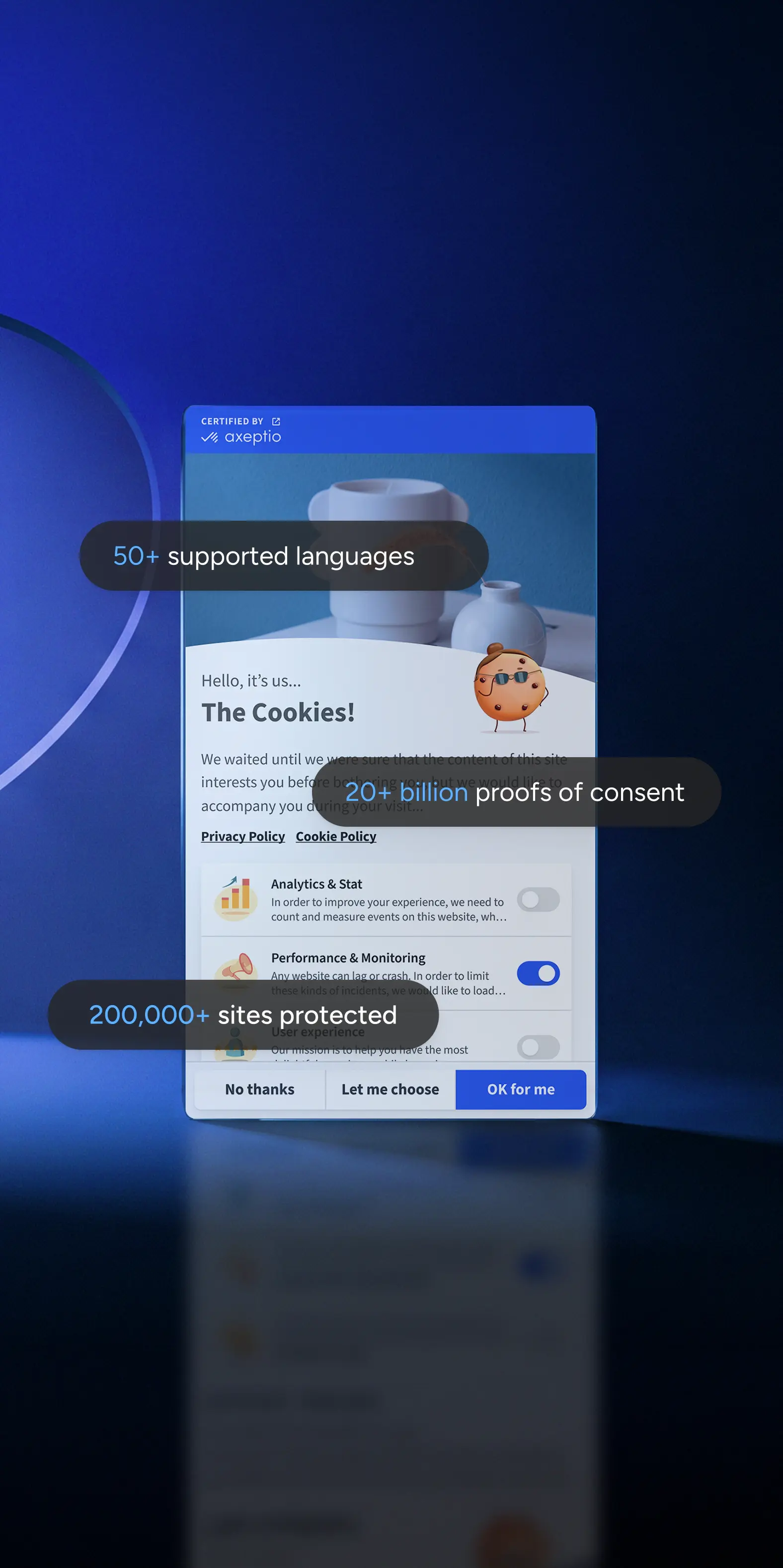
The banner explains in a single, clear sentence what is being submitted and why. The options to accept, decline, and select are all on the same level.

iconespotlight_configuration_string

3. It blocks

Until consent is given, the marketing and analytics scripts do not load. Google Consent Mode v2 receives the corresponding signal.

iconespotlight_RGPD

4. It proves

Every selection is time-stamped and archived. In the event of an audit, the proof can be exported with a single click from the back office.

The wow effect

Create an immersive experience

Embedded Video

A video at the center of the banner: You tell your brand's story from the very first second, instead of just a simple checkbox.

Full Identity

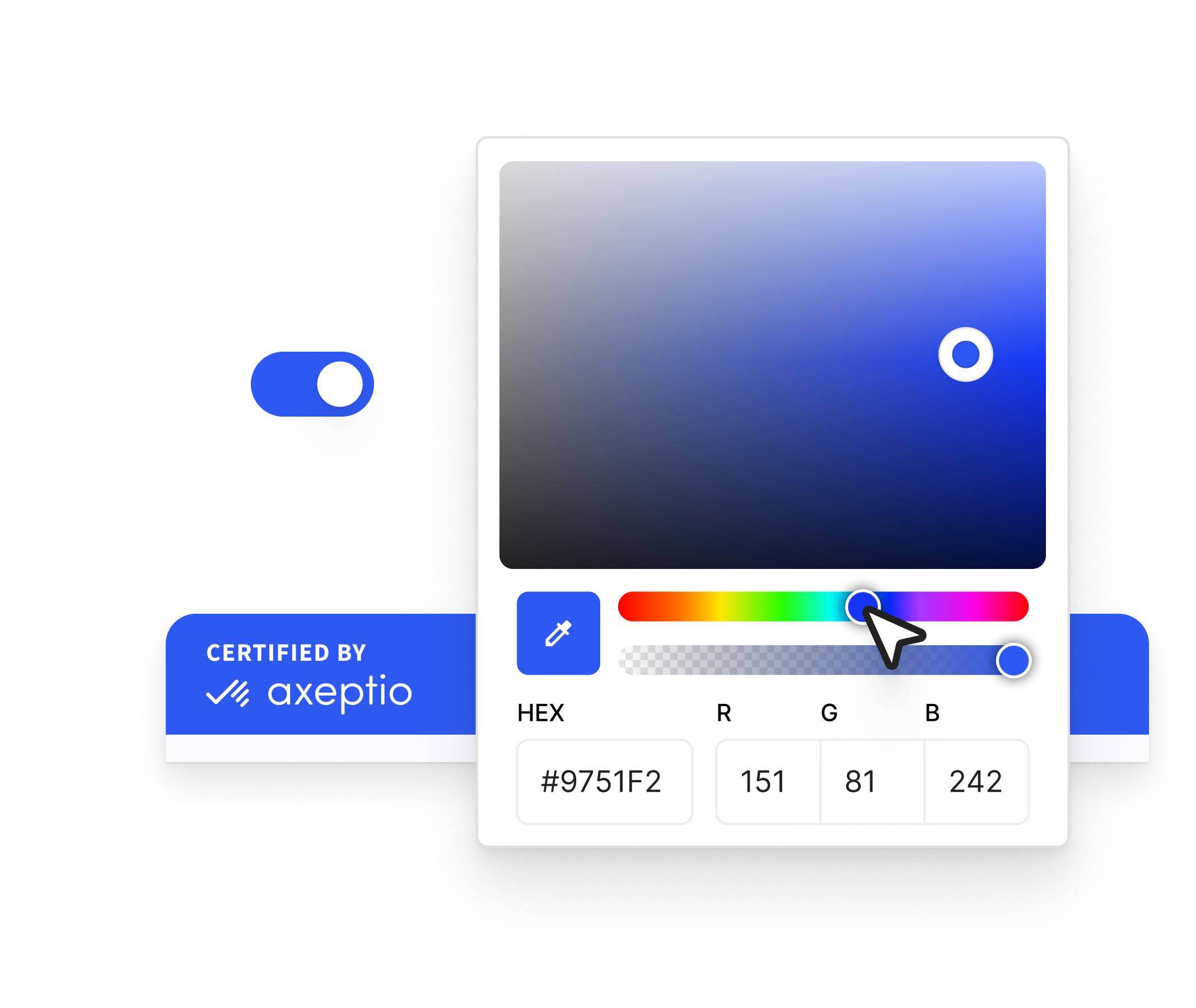
Colors, logo, visuals, tone of voice, buttons: the banner is your brand—not just a generic gray template slapped on top.

Interactions & Storytelling

Consent wall, animations, and contextual content: consent becomes a memorable and engaging experience.
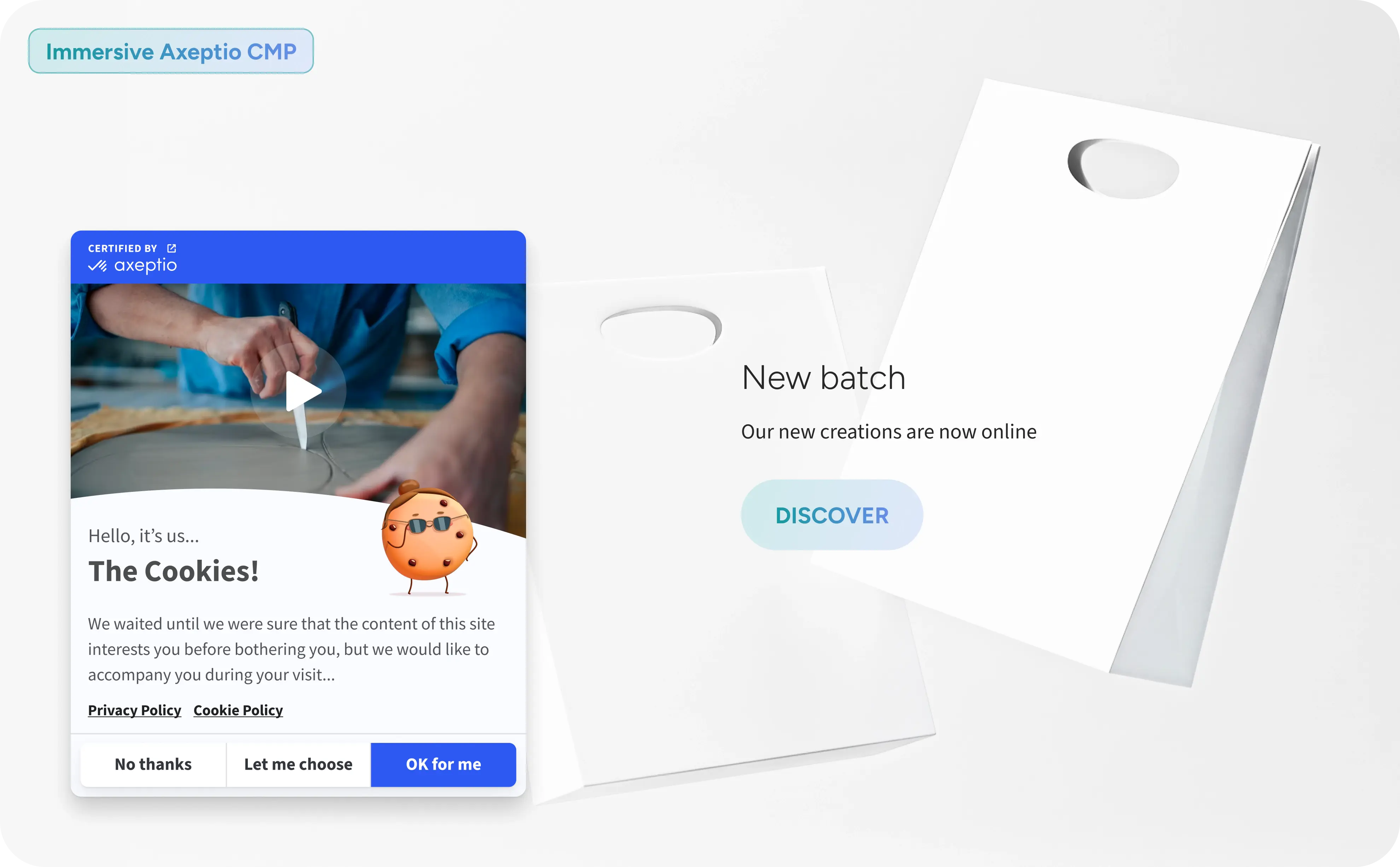
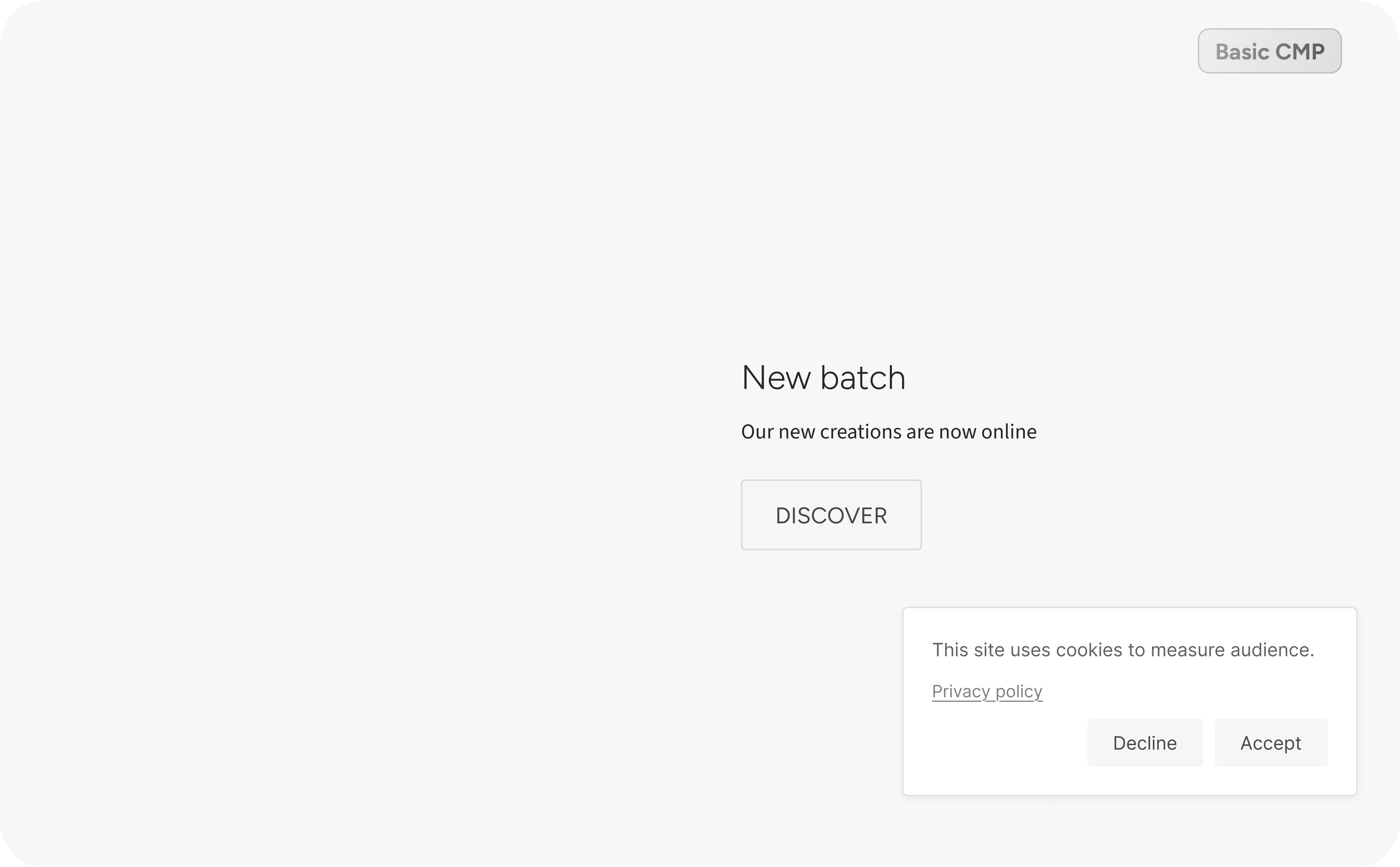
Immersive Axeptio CMP
Basic CMP
⇆

Features

Everything a WordPress store expects from a CMP
Scanner
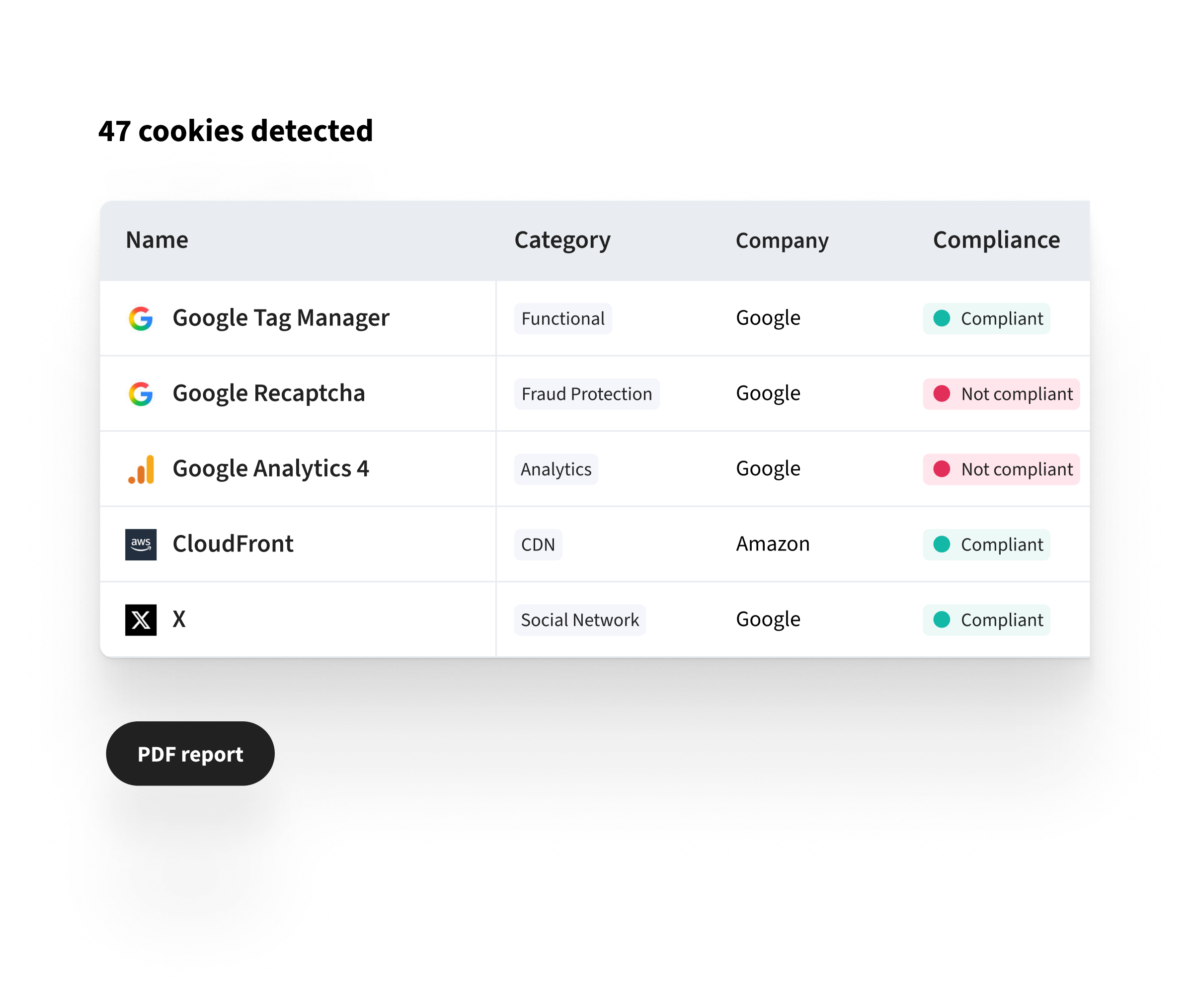
47 cookies detected

Cookie Scanner

Automatically detects all cookies and trackers on your store, categorizes them by purpose, and generates a PDF report ready for archiving.

Customization
CMP color customization

A banner that's 100% in your colors

Colors, logo, photo or video, placement, text, and rounded corners. The banner is part of your store—not just a generic template.
A/B Testing
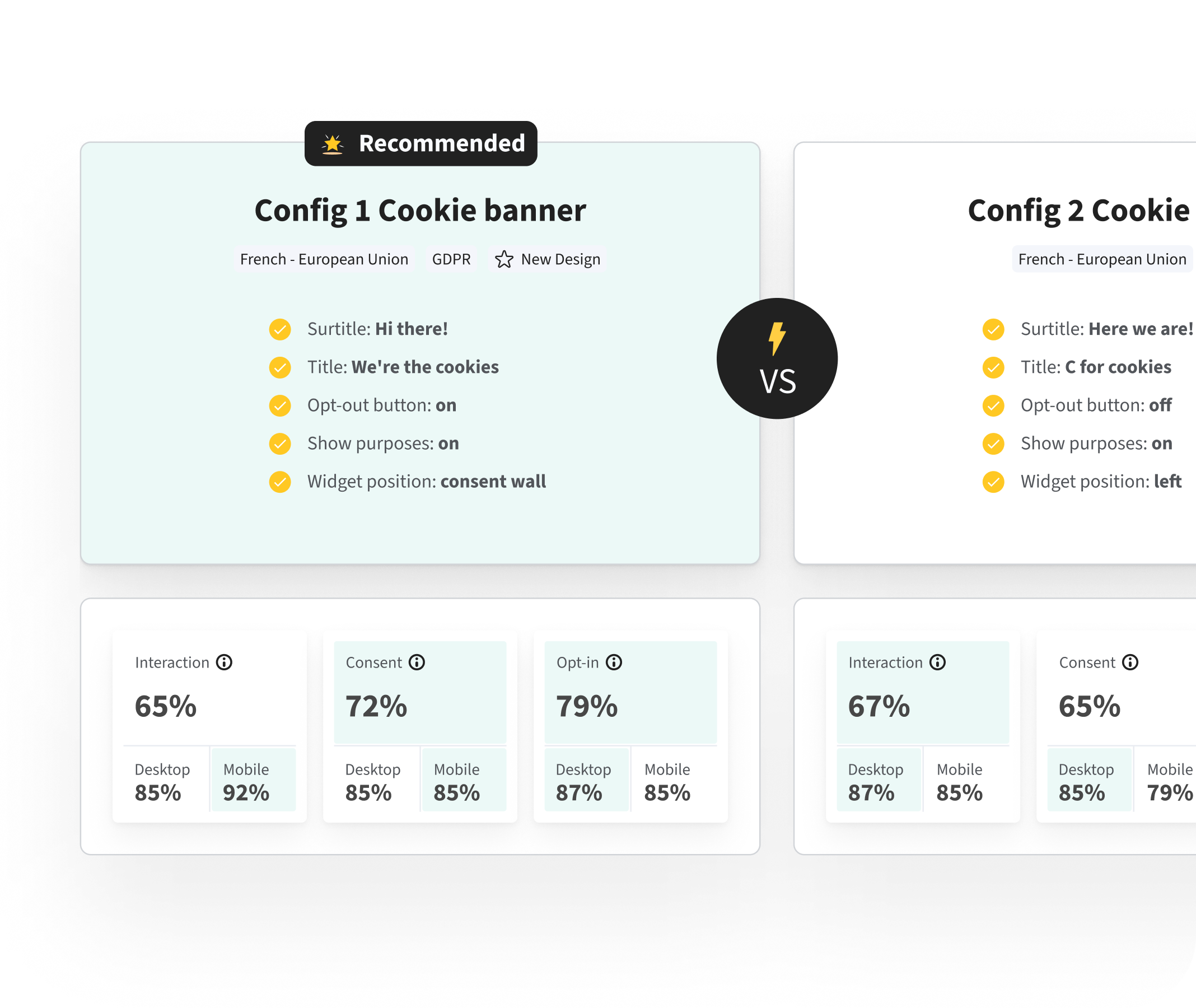
A/B Testing

A/B testing & Consent Wall

Test multiple versions of your banner and maximize your consent rate without compromising the shopping experience.
Multilingual
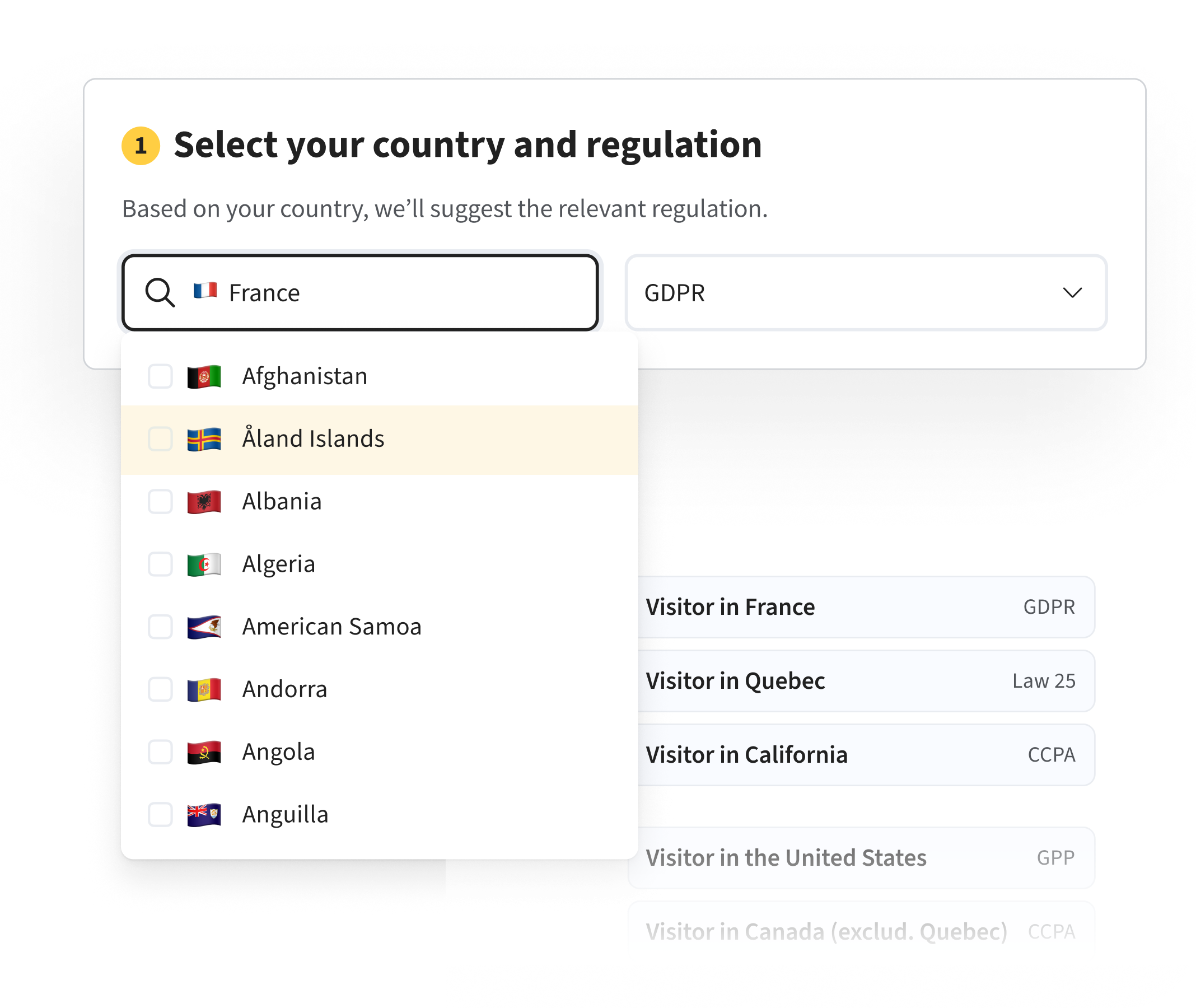
CMP: select country / language

Multilingual & Geolocation

FR, EN, ES, IT, PT-BR, and automatic language detection. The appropriate rules are displayed based on the visitor's country.
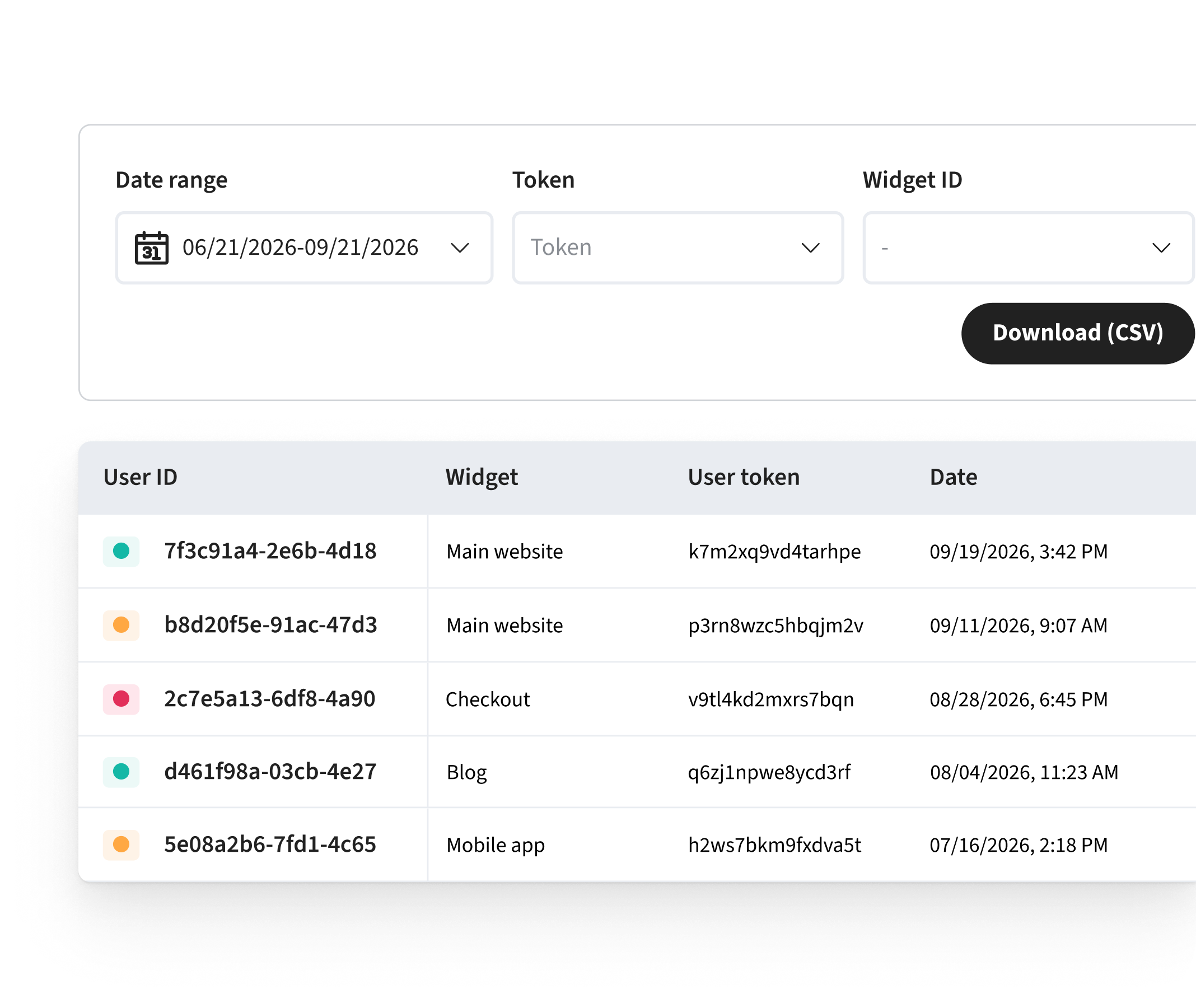
Logs
Consent Logs

Consent Logs

Every selection is saved, time-stamped, and exportable: the proof you need in the event of an audit by a regulatory authority.

  • Scanner
  • Customization
  • A/B Testing
  • Multilingual
  • Logs
47 cookies detected

Cookie Scanner

Automatically detects all cookies and trackers on your store, categorizes them by purpose, and generates a PDF report ready for archiving.

CMP color customization

A banner that's 100% in your colors

Colors, logo, photo or video, placement, text, and rounded corners. The banner is part of your store—not just a generic template.

A/B Testing

A/B testing & Consent Wall

Test multiple versions of your banner and maximize your consent rate without compromising the shopping experience.

CMP: select country / language

Multilingual & Geolocation

FR, EN, ES, IT, PT-BR, and automatic language detection. The appropriate rules are displayed based on the visitor's country.

Consent Logs

Consent Logs

Every selection is saved, time-stamped, and exportable: the proof you need in the event of an audit by a regulatory authority.

INSTALLATION

Online in four steps, no developer needed.

1. Install the plugin

In your admin panel, go to Plugins → Add New, search for “Axeptio,” install it, and activate it. Or download the archive from WordPress.org.

2. Connect your project

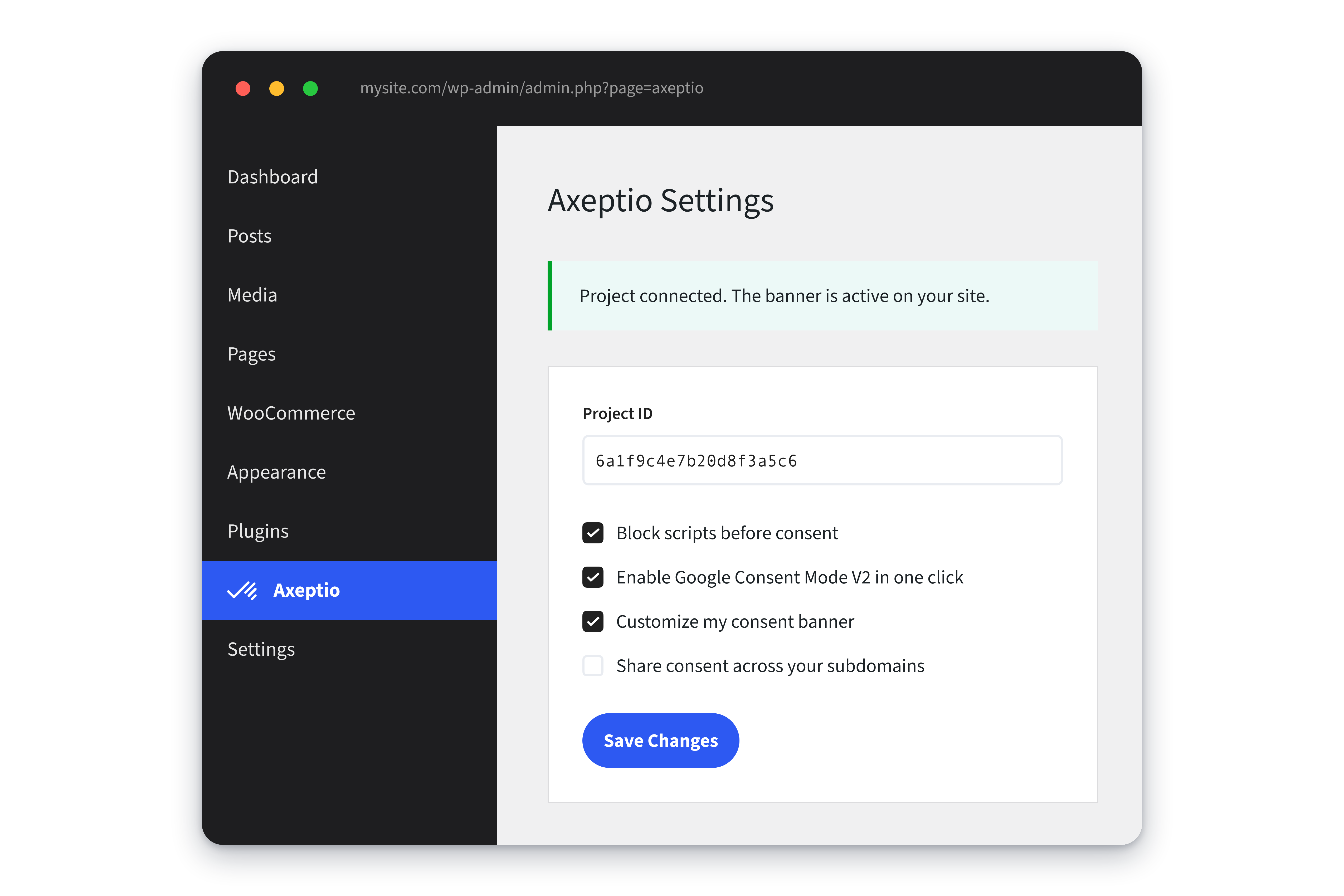
Create a free account, copy your project ID, and paste it into the settings. This is the only required field.

3. Customize the banner

Colors, logos, positioning, text, and objectives are configured in the Axeptio back office, with a live preview.

4. Publish

Script blocking and Google Consent Mode v2 will be enabled immediately. Clear your site's cache, and you're all set.
axeptio-wordpress-settings-shadow

AXEPTIO FOR WORDPRESS × WOOCOMMERCE

WooCommerce Cookies: How Axeptio Manages Consent

The Axeptio for WordPress plugin sends the visitor's choice to the WP Consent API. WooCommerce checks this before setting its order-tracking cookies.

What remains active regardless of consent?

WooCommerce functional cookies:
  • Detect changes to the shopping cart
  • Retrieve each customer's shopping cart (2 days)
  • View Recently Viewed Products
  • Remember to close the store's information banner

They do not depend on consent.

  1. Axeptio banner The visitor accepts or refuses, purpose by purpose
  2. WP Consent API Shares consent with other plugins
    wp_has_consent('marketing')
  3. WooCommerce Checks the marketing category before enabling order attribution
    Marketing consent?
  • Accepted sbjs_* cookies are set. The order is recorded with its source.
  • Refused No sbjs_* cookies are set. The order is recorded without a source.

PERFORMANCE, CACHE AND SEO

Compatible with your cache, without costing you a single Core Web Vitals score.

The script is loaded asynchronously from a CDN and does not affect the critical rendering path. Since consent is handled on the browser side, your pages remain fully cacheable.

  • LCP the banner appears after the first render: your image or main title remains the LCP element.
  • CLS the widget floats above the page; it does not push the content down or add cumulative offset.
  • SEO no blocking interstitials, no content hidden from crawlers. Googlebot is not blocked and sees the entire page.
  • Hides a single rule: exclude the script from JavaScript minification and lazy loading.
Tool Recommended setting
WP Rocket Exclude the script from “Delay JavaScript execution”
LiteSpeed Cache Exclude from JS combine and defer
Cloudflare Nothing to do
WP Super Cache · W3 Total Cache Clear the cache after activation
Elementor · Divi · Gutenberg No setting needed
WPML · Polylang No setting needed: the banner follows the page language

Compliant
everywhere you grow

  • SVG (2)

    GDPR

  • SVG (1)

    Law 25

  • Frame 288834092

    PIPEDA

  • GPC logo cropped outlined

    GPC

  • SVG

    CCPA

200 000+

Equipped websites

20+ billions

Proofs of consent

Make your WordPress store compliant without compromising the user experience.

Install the plugin for free and launch your first banner in just a few minutes.

Blue CMP on a large white background

FAQ

Frequently Asked Questions About WordPress CMPs.

How can I migrate from another consent plugin without losing the consents I've already collected?

Consents collected by another plugin remain in its own database and cannot be transferred: consent collection resumes when Axeptio is activated. Deactivate the old plugin before activating the new one, run the scanner, and then clear your cache. Having two CMPs active at the same time sends conflicting signals to Google Tag Manager.

How much does Axeptio cost once the free trial ends?

Pricing is based on the number of unique monthly visitors to the site, with no minimum contract term for self-service plans. The plugin itself remains free; it is the consent service that has new pricing tiers. The updated pricing tables are published on the pricing page at axeptio.eu.

What happens if I disable or delete the plugin?

The banner disappears from the site, and third-party scripts immediately become active again without any conditions, which puts you back in a state of non-compliance. The evidence already collected remains accessible in the Axeptio back office, regardless of the WordPress plugin’s status.

Is Axeptio part of the Google CMP partner program?

Axeptio is one of the CMPs recognized by Google for Consent Mode v2, a requirement for continuing to run ads on Google Ads and track performance in GA4 in the EEA and the United Kingdom.

Can you manage multiple sites or a WordPress multisite from a single account?

Yes. A single account can host multiple projects, each with its own banner, objectives, and evidence. On a multisite installation, each subsite is assigned its own project ID, which allows for separate settings and exports while maintaining a shared administration.